
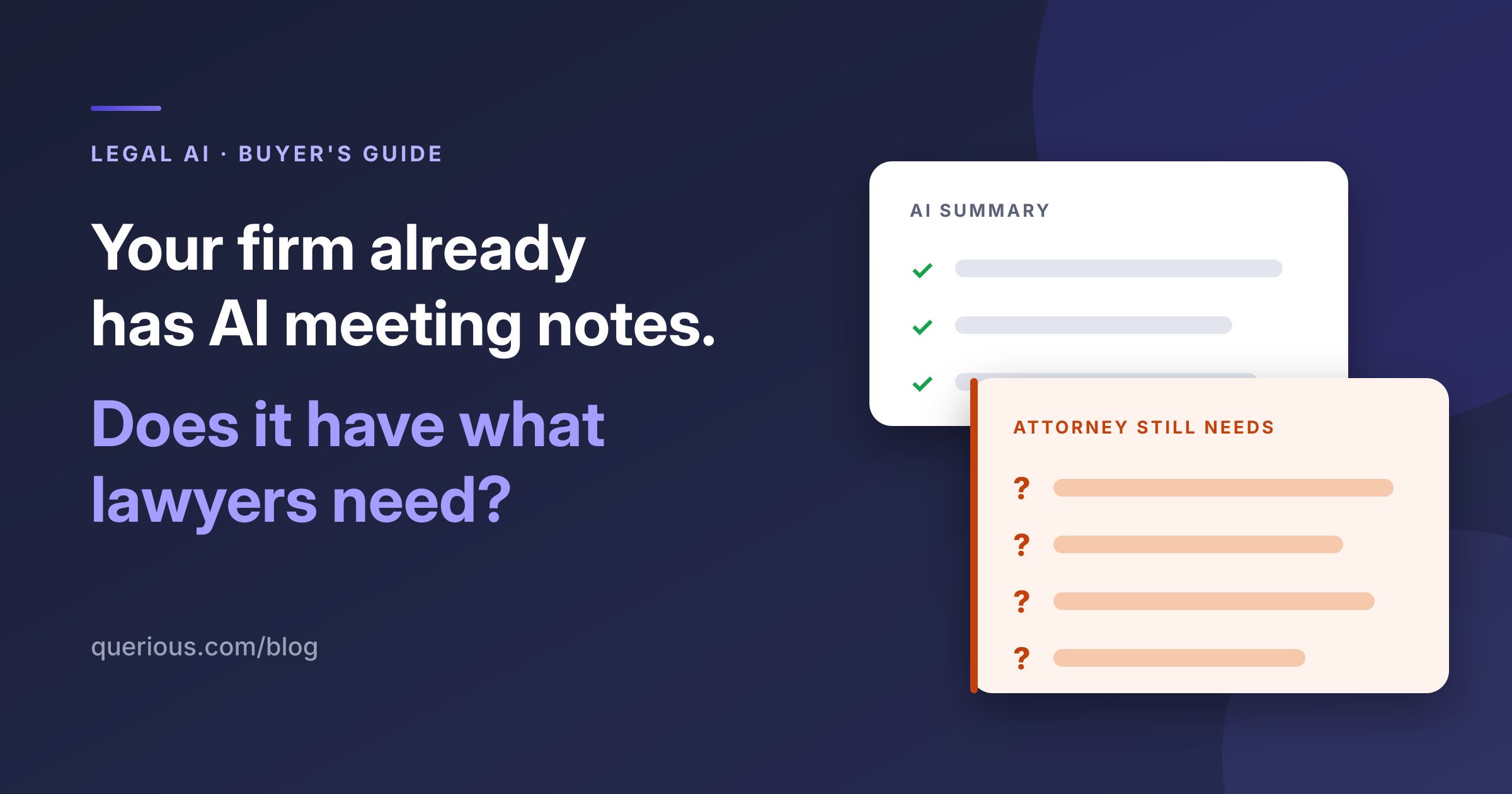
For law firms, leveraging built-in AI notetaking in meetings is an understandable starting point. Attorneys already use the meeting platforms. The features are available without an additional cost. Adding another tool needs a clear justification.
But availability is only the beginning of the evaluation. The more useful question is: What work will attorneys still need to do themselves once the AI has finished summarizing a meeting?
Why might a law firm need more than native meeting AI?
In a recent conversation with Querious, one large law firm described its experience trying native AI notetaking tools in Zoom and Microsoft Copilot.
Its attorneys used both platforms. The firm reported that the available settings did not allow for customizations necessary to meet its legal and ethical requirements, the tools struggled with the legal substance of conversations, and separate notetaking features for the virtual meeting platforms (e.g., Zoom v. Microsoft Teams) created inconsistent experiences for notes and follow-ups. These platform notetaking tools also required a lot of manual prompting, even during a conversation, to yield the desired results that undermines the benefit of automated notetaking in the first place.
That is one firm’s experience, rather than a universal assessment of either product. But it raises a broader question for legal technology leaders: Are you evaluating AI’s ability to document a meeting, or its ability to support the legal workflow surrounding it?
Those are different buying criteria.
A complete summary can still leave an attorney with unfinished work
Consider a hypothetical employment consultation. A client describes an internal complaint, a change in responsibilities, and a subsequent termination.
A summary might accurately capture all three events. The attorney still needs to establish the sequence, clarify who knew what, identify relevant documents, and decide which facts warrant further investigation.
The value of AI in that conversation depends partly on whether it helps the attorney uncover missing information while the client is available.
As Hilary Bowman, founder and CEO of Querious, explained in coverage of a New York State Bar Association program:
That is a useful standard for evaluating legal AI: does it help the attorney make more of the conversation itself?
What should lawyers look for in an AI notetaker?
01 Legal context and real-time assistance
General meeting summaries can be useful. Attorneys should also test whether a tool helps them identify relevant facts, potential issues, and questions that need clarification.
Querious's AI notetaker for lawyers surfaces potential legal issues and suggested follow-up questions during conversations. Afterward, it generates structured notes, next steps, and draft billing entries.
The attorney remains responsible for assessing those suggestions and reviewing the resulting work. The purpose is to support professional judgment throughout the conversation.
02 A consistent workflow across meeting platforms
Clients and colleagues do not always use the same meeting platform. A firm's evaluation should reflect that reality.
Test the same workflow across Zoom, Microsoft Teams, and Google Meet. Where do the notes go? How are follow-ups handled? Does the attorney need a different process for each platform?
Querious works across all three and integrates with practice management platforms including Clio, 8am/MyCase and Smokeball. That gives firms a common tool for capturing conversations and moving notes and billing information into their existing workflows.
03 Data controls that match the firm's requirements
Firms should examine retention and customization at the level of specific settings and licenses.
Zoom offers custom meeting summary capabilities, and Microsoft documents retention policies for Copilot interactions. A blanket claim that native tools cannot be customized would overlook those capabilities.
Instead, ask what is retained, who can access it, how deletion works, and whether the configuration fits the firm's policies. Also, understand whether the vendor is obligated to notify you if these terms change.
Querious does not retain audio or a full verbatim transcript by default. Its privacy policy specifies a 60-day retention period for AI-generated outputs, with options for a shorter period or earlier deletion. Querious also includes a broad commitment in its terms of service that it will not use your data to train AI models.
Native meeting AI vs. legal conversational intelligence: what should firms test?
Use representative conversations in a controlled evaluation. Assess the quality of the output and the work required to make it useful.
Where does Querious fit?
Querious calls its approach Legal Conversational Intelligence™: supporting attorneys during conversations, then helping them complete the documentation and administrative work that follows.
Writing about Querious in LawSites, lawyer and legal technology journalist Bob Ambrogi described it as:
The practical test for your firm is whether that approach addresses gaps in its current tools.
